
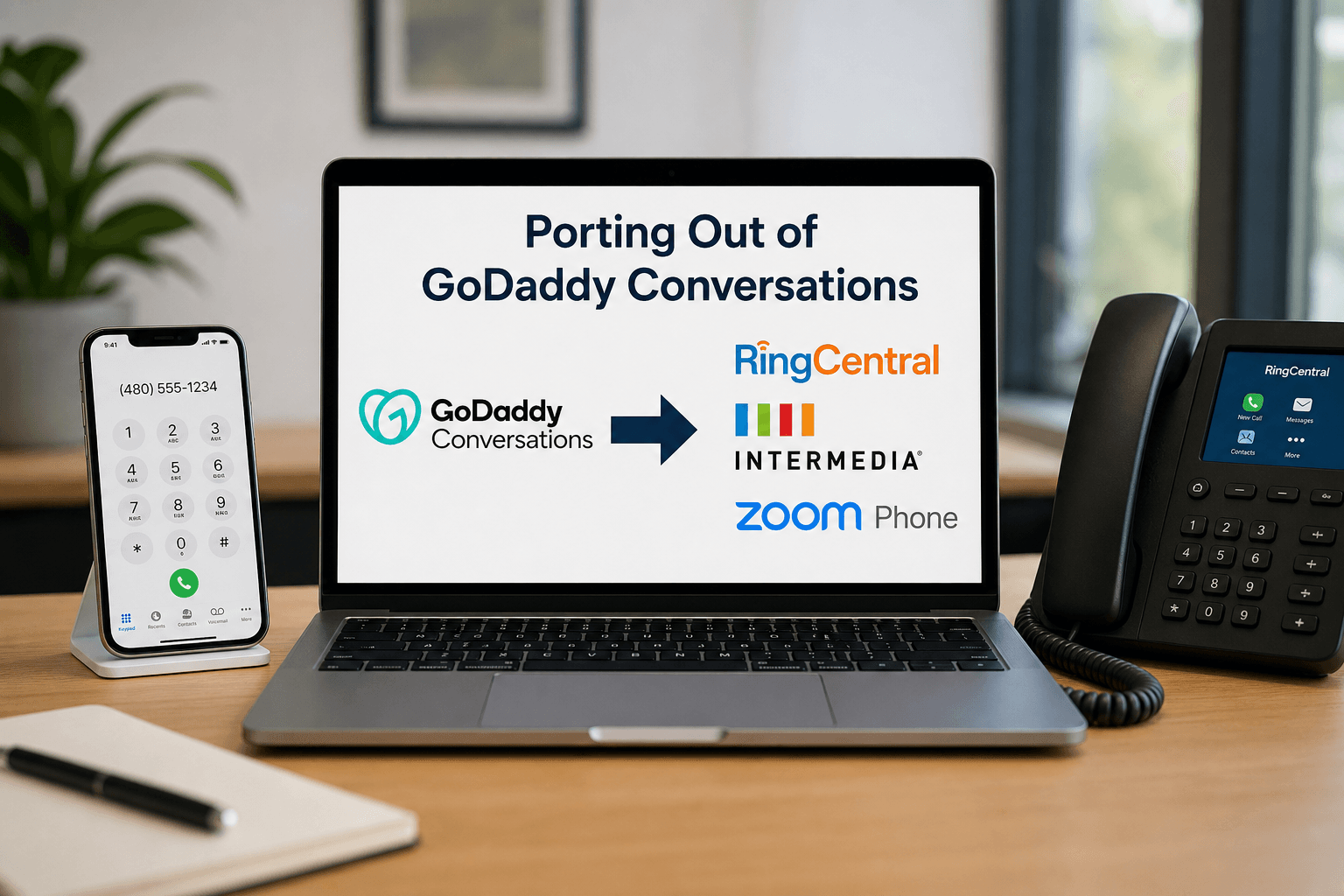
GoDaddy Conversations alternatives start to matter the moment your business outgrows a single phone number in an app. Conversations does what it was built to do. It gives a solo operator or a very small shop a dedicated business number for calls and texts, a custom voicemail greeting, and a unified inbox that pulls messages from several channels into one place. For a one person business, that is genuinely useful and we do not tell people to abandon something that is working.
The problem is that it was never designed to be a business phone system. Once you have employees answering calls, a receptionist routing them, or more than one location, you run into a ceiling that no amount of configuration will move. This article covers when that moment arrives, how RingCentral, Intermedia, and Zoom Phone compare, and the exact process we use to port a number out of GoDaddy Conversations without dropping calls.
Signs You Have Outgrown Conversations
You do not need to switch on principle. You need to switch when specific things stop working. In our experience these are the triggers:
You hired someone and calls only ring one place. A single number tied to an app cannot ring three people at once, roll to the next available person, or queue callers when everyone is busy. Someone ends up manually forwarding calls or customers get voicemail during business hours.
You need an auto attendant. The moment you want callers to hear a menu and reach sales, billing, or support directly, you need call routing that an app based number does not provide.
Nobody can cover for anyone. No shared voicemail, no call transfer between staff, no way for a colleague to pick up a call for someone who stepped out.
You cannot see what is happening. No call volume reporting, no missed call data, no visibility into how long people wait. If you are trying to decide whether to hire another person to answer phones, you have no evidence either way.
You opened a second location. Multi-site businesses need extensions, site-aware routing, and correct emergency service address handling per location.
Compliance or record keeping entered the picture. Call recording, retention, and the ability to produce records when a dispute arises are requirements in a number of industries.
Your other systems need to know about calls. CRM integration, click to dial, and automatic call logging save real time once your team is past a handful of people.
If none of those apply to you, stay where you are. If two or more do, you are paying for the migration already in wasted time and missed calls.
Comparing the Three Platforms We Recommend Most
We are not loyal to any one of these. All three are solid, we support all of them, and the right answer depends on your team. Here are the honest tradeoffs.
RingCentral
Strengths. The deepest feature set of the three. Extensive integrations with CRM and business applications, mature contact center capability if you ever need queues and agent management, strong analytics, and reliable multi-site handling. If your requirements are complex or you expect them to become complex, RingCentral rarely runs out of room.
Tradeoffs. More platform than a small team may need, which shows up in both cost and administrative complexity. Contract terms tend to be less flexible. If you want something simple, this can feel like a lot.
Best fit. Businesses with real call volume, multiple departments, or a service desk. Teams that need serious integration with an existing CRM.
Intermedia
Strengths. Strong unified communications with voice, video, chat, and file collaboration in one platform. Excellent partner support model, which in practice means when something breaks, we can get to a knowledgeable engineer quickly rather than waiting in a general queue. Pricing tends to be competitive, and the administrative experience is straightforward.
Tradeoffs. Smaller integration ecosystem than RingCentral. Less brand recognition, which matters to some buyers even though it should not affect the decision.
Best fit. Small and mid sized businesses that want a full featured system without excessive complexity, and that value responsive support. Often the best value of the three.
Zoom Phone
Strengths. If your team already lives in Zoom all day, the unified experience removes real friction. One application for meetings, chat, and calls, with a clean interface people learn quickly. Generally the most cost effective of the three, and the mobile experience is strong.
Tradeoffs. Advanced call center features are less mature than RingCentral’s. You are consolidating more of your communications with a single vendor, which is convenient but concentrates risk. Some regional and international requirements need closer review.
Best fit. Teams already standardized on Zoom, businesses that value simplicity and cost efficiency, and organizations with straightforward routing needs.
How We Actually Decide
We start with your call flow rather than a feature grid. How many people answer calls, what should happen when nobody picks up, do you need a menu, do you have multiple locations, what has to integrate, and what does your team already use every day. That conversation usually narrows three options to one fairly quickly. Then we tell you the disadvantages of the one we are recommending, because you should hear those before you sign rather than discover them in month three.
How to Port Out of GoDaddy Conversations
Here is the process we follow with our clients. The order matters, and one mistake in particular will cost you your phone number permanently.
The short version of who does what: there are exactly two things only you can do, because GoDaddy requires them to come from the account holder. Steps 1 and 2 are yours. Everything from step 3 onward is ours. Once you forward us the port-out PIN and the Customer Service Record, you are effectively done until we ask you to approve the cutover window.
What We Handle Before You Send Anything
Before you contact GoDaddy at all, we do the preparation that prevents the expensive mistakes.
We confirm nothing gets cancelled early. This is the single most important rule in any phone number transfer. A number must remain active with the current provider for a port to complete. Cancel first and the number is released, at which point it may be gone for good. We make sure cancellation is the last step, never the first, and we handle that cancellation ourselves at the end so it does not happen prematurely.
We check for an outstanding balance. GoDaddy will not release a number while a balance is owed on the account. We identify that early so it does not surprise you mid-port.
We check whether a Websites and Marketing subscription is linked to the number. GoDaddy notes that cancelling a linked subscription will also take down your website. We map that dependency before anything is touched.
We identify the exact email address on your GoDaddy profile. Requests sent from any other address are rejected outright. We verify which address GoDaddy has on record and tell you precisely which inbox to send from.
We audit where your number is published. Website, Google Business Profile, invoices, email signatures, directory listings, vehicle wraps. The number does not change, but we build the list now so nothing is missed later.
Step 1: You Request the CSR and Port-Out PIN
This step has to come from you. GoDaddy will only accept the request from the email address on the account profile, which is a deliberate protection against unauthorized transfers.
We draft the email for you. You send it from your GoDaddy profile address to [email protected], including the Conversations number you want to port out, requesting the Customer Service Record and the port-out PIN. You copy us on it.
For toll-free numbers the request is the same, though toll-free transfers do not use a port-out PIN.
Step 2: You Forward Us What GoDaddy Sends Back
Expect roughly one to three business days for GoDaddy to email the port-out PIN and CSR information. Forward that email to us when it arrives. If it has not come through in three business days, tell us and we will guide the follow up.
That is the end of your involvement in the mechanics. From here we run it.
Step 3: We Verify the CSR Line by Line
This is where the project is usually won or lost. We compare the account name, service address, and number details on the CSR against exactly what the new carrier will submit. Mismatched details are the leading cause of port rejections, and every rejection restarts the clock.
An abbreviated street type, a missing suite number, a business name recorded slightly differently than your paperwork, all of these bounce a request. We reconcile those discrepancies before submission rather than discovering them a week later.
Step 4: We Submit the Port Request to the New Carrier
We open the port order with RingCentral, Intermedia, or Zoom Phone, supply the PIN and CSR details exactly as they appear, and prepare the Letter of Authorization for your signature. Your signature on the LOA is the only other thing we need from you, and we tell you exactly what you are signing.
We then manage the order through the carrier’s porting team, including any supplemental information they request.
Business number ports typically take one to four weeks depending on the carriers involved. We plan the project around that window rather than hoping for a fast turnaround.
Step 5: We Build and Test the New System While the Port Is Pending
We do not wait idle during the port window. We configure the new platform completely using a temporary number so it is ready the moment your number lands. That includes the auto attendant and menu prompts, ring groups and extensions, voicemail boxes and greetings, business hours and after hours routing, holiday schedules, user accounts, desk phones and softphone apps, caller ID configuration, any CRM or business application integration, and e911 emergency addresses for every location.
We also record or coordinate your greetings and run the whole system through end to end testing before it ever carries a live customer call.
Registering correct emergency service addresses is not optional. If someone dials 911 from a desk phone or the app, responders need the right address. This step gets skipped surprisingly often and it is the one with genuine safety consequences. We handle it as part of the build.
Step 6: We Manage the Port Date and Run the Cutover
The new carrier sets a firm order date. GoDaddy does not have visibility into port-out status, so we track progress through the receiving carrier and keep you informed rather than leaving you to chase updates.
We confirm the cutover window with you in advance, schedule it outside your busiest hours, and staff it. Someone from our team is available through the cutover, not just reachable afterward.
Step 7: We Test Before Anything Gets Cancelled
Once the number is live on the new platform, we place inbound and outbound test calls, walk every routing path through the auto attendant, verify voicemail delivery and notification, confirm texting if you use it, validate outbound caller ID, and test from both desk phones and mobile apps.
We also train your team on the new system, because a phone platform nobody knows how to use is not an upgrade.
Step 8: We Cancel the Conversations Subscription
Only after everything is confirmed working do we cancel Conversations on your behalf. If a Websites and Marketing subscription is linked to the number, we handle that separately and deliberately so your website does not go offline as a side effect.
Step 9: We Update Where Your Number Appears
Using the audit from the preparation phase, we help update your Google Business Profile, website, email signatures, and directory listings, and we stay on as the team that administers the phone system going forward. Adding a user, changing a menu, or adjusting after hours routing becomes a request you send us rather than a project you take on.
What Goes Wrong When Nobody Manages the Port
These are the failures we see when a business attempts the transfer alone, and they are the specific reasons the process above is structured the way it is.
Cancelling too early. The one truly unrecoverable mistake. A business owner cancels Conversations believing that starts the transfer, and the number is released instead. This is why we handle cancellation ourselves, at the end.
CSR mismatches. Address formatting and business name discrepancies cause most rejections, and each rejection restarts the clock. Reconciling the record against the submission is the least glamorous and most valuable part of the job.
Sending the request from the wrong email. Automatic rejection, with days lost before anyone realizes why.
Underestimating the timeline. People plan for days and it takes weeks. That matters when a lease is ending, an office is moving, or a campaign is about to run.
Going dark during the port. GoDaddy has no visibility into port-out status, so a business waiting for someone to tell them what is happening waits a long time. Progress has to be tracked through the receiving carrier.
Cutting over with nothing built. The number arrives and there is no auto attendant, no routing, and no greetings, so calls land somewhere unhelpful on day one. The build has to happen during the port window, not after.
Skipping e911 registration. The one with real safety consequences, and the one most often overlooked.
Forgetting where the number is published. Google Business Profile, website, invoices, email signatures, vehicle wraps, and directory listings all need attention even though the number itself does not change.
The Bottom Line
GoDaddy Conversations alternatives are worth evaluating the moment a single app based number stops matching how your business actually operates. RingCentral, Intermedia, and Zoom Phone are all capable platforms, and the right choice depends on your call flow, your team’s existing tools, and your budget rather than on which one a provider prefers to sell.
The port itself is a manageable project when it is sequenced correctly. It becomes an emergency when someone cancels the old service first or submits a port request with details that do not match the record.
Your part in it is small. Send one email to GoDaddy from your account address, forward us the reply, and sign a Letter of Authorization. We handle the CSR verification, the carrier submission, the system build, the testing, the cutover, the cancellation, and the listing updates.
SFV Cloud handles phone system selection, migration, and ongoing support for businesses across the San Fernando Valley and greater Los Angeles. We will lay out the real advantages and disadvantages of each platform, run the port end to end, build and test the new system before cutover, and stay on as the team that administers it. Some of our clients run RingCentral and some run Zoom Phone. We are glad to support either. Reach out and let us start with a look at your current call flow.
Provider processes and requirements change over time. Confirm current steps with GoDaddy and your new carrier before beginning a transfer.
