
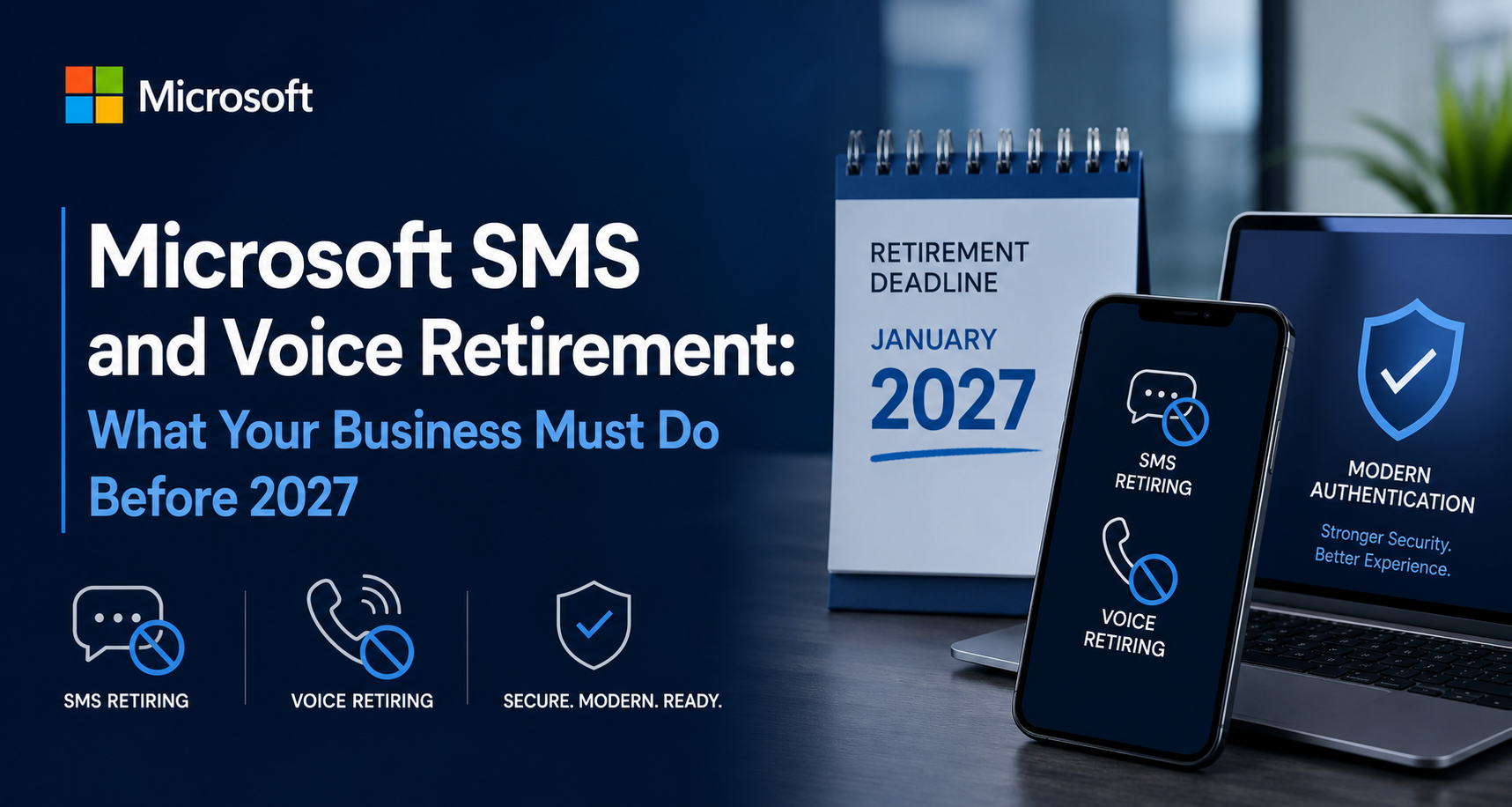
The Microsoft SMS and Voice retirement is one of the most significant identity security changes to hit Microsoft 365 in years, and it will affect nearly every organization that still uses text messages or phone calls for multifactor authentication. If your users tap “text me a code” when they sign in to Outlook, Teams, or any Entra-connected application, this change applies to you. Microsoft is retiring its native SMS and voice authentication and making passkeys the default sign-in experience across Microsoft Entra ID. This is not a minor feature tweak. It is a hard-dated transition with a blocking enforcement point, and the organizations that plan ahead will avoid help-desk floods and sign-in disruptions that the unprepared will not.
At SFV Cloud, we are already mapping this change for our clients so it lands as a controlled rollout rather than a surprise. Here is what the Microsoft SMS and Voice retirement means, why it is happening, and the concrete steps every business should take before the deadlines arrive.
What Is Actually Changing
Microsoft has decided that SMS and voice are no longer secure enough to be positioned as trusted authentication methods. As a result, Entra ID will stop providing them natively and will instead make passkeys the default authentication experience for every organization. The goal is phishing-resistant security by default rather than a security posture that depends on codes sent over the telephone network.
Two milestones matter most. Starting September 1, 2026, passkeys become the default authentication experience, and any user currently enabled for SMS or voice will be automatically enabled for passkeys and nudged to register one during multifactor sign-in. Then, on February 1, 2027, Microsoft-provided SMS and voice delivery is fully retired inside Entra ID. Organizations with a genuine need to keep text or phone-based codes will have to contract with a customer-managed telecom provider through the new Microsoft Security Store rather than rely on Microsoft’s built-in delivery.
Users who already sign in with passkeys, Windows Hello for Business, or another phishing-resistant method are unaffected and can keep using what they have. The disruption is concentrated on the population still leaning on SMS and voice.
The Retirement Timeline You Need on Your Calendar
The schedule is specific, and each date carries an action item.
On September 1, 2026, tenants with users enabled for SMS or voice will see those users auto-enrolled for passkeys and nudged to register one at their next MFA sign-in. Your registration campaign settings shift to a Microsoft-managed state that automatically brings these users into scope. This is the moment to have already notified your workforce and prepared your environment.
On February 1, 2027, Microsoft-provided SMS and voice are fully retired in Entra ID. Every user should be on a phishing-resistant method by this date, or they risk sign-in problems.
After February 1, 2027, any user whose only available MFA method is SMS or voice will hit a blocking prompt requiring them to register a passkey before they can continue signing in. This behavior is enforced for all tenants and there is no opt out. That last point deserves emphasis, because it is the difference between a smooth quarter and a wave of locked-out employees.
There is a limited safety valve. A temporary opt-out will be available for the September 1, 2026 through February 1, 2027 window, letting you delay passkey and registration-campaign enablement while you finish migration work. API support and instructions for that opt-out arrive on August 1, 2026. Importantly, the opt-out only covers the interim period. It does not exempt you from the February 1, 2027 enforcement.
Why Microsoft Is Doing This
The driver is security, plainly stated. SMS and voice are among the most vulnerable authentication methods in wide use today. They are exposed to SIM-swap attacks, phishing kits that harvest one-time codes in real time, and interception of messages over aging telecom infrastructure. As the industry pushes toward phishing-resistant authentication and as organizations scale AI-driven workflows that demand stronger identity assurance, Microsoft is moving the default to passkeys.
Passkeys replace shared secrets with cryptographic key pairs tied to a device or a synced credential store. They resist phishing, SIM-swap, and replay attacks because there is no code to steal and nothing an attacker can trick a user into typing on a fake page. For most businesses, this is a genuine upgrade in security posture at no additional licensing cost.
The Five Steps to Prepare
Microsoft lays out a clear preparation path, and it aligns closely with how we roll out identity changes for clients.
1. Find your SMS and voice users. You cannot plan a migration you cannot measure. Microsoft publishes a PowerShell-based usage analyzer that identifies exactly which users are enabled for SMS or voice. Running it requires a Global Reader, Authentication Policy Administrator, or Security Reader role. Any non-zero result means your tenant is in scope. This inventory becomes the security group that drives every step that follows.
2. Move users to passkeys. Entra ID supports two flavors of passkeys. Synced passkeys live in a platform credential manager such as iCloud Keychain or Google Password Manager and roam across a user’s devices, which suits people already using those ecosystems. Device-bound passkeys are created and stored on a specific device, including Passkey in Microsoft Authenticator, Entra passkey on Windows, or a FIDO2 hardware security key. Enable Passkey (FIDO2) as an authentication method, then plan a phased rollout rather than flipping a switch tenant-wide.
3. Run a registration campaign proactively. You do not have to wait for the September 1, 2026 auto-enablement. Turning on a passkey registration campaign early prompts users to set up a passkey the next time they sign in and complete MFA. It is the most effective way to move people off SMS and voice at scale without overwhelming your help desk. Set the campaign state to Microsoft Managed and target the security group of SMS and voice users you built in step one.
4. Evaluate a telecom provider only if you truly need one. For most user segments, passkeys are the answer. But if you operate under a compliance regime that mandates an out-of-band SMS channel, or you have a scenario where no other method works, you can contract a telecom provider through the Microsoft Security Store. Provider details and terms publish on September 18, 2026, and customers can select and configure a provider starting October 30, 2026. Expect per-message costs that vary by carrier, region, and volume. Document the specific regulation or operational need before you commit, and default everyone else to passkeys.
5. Communicate the change. Coordinated communication is the single biggest predictor of a smooth passkey rollout. Microsoft recommends a phased plan: an awareness message explaining that SMS and voice are retiring and why, an action message with device-specific registration steps for Windows Hello, iOS, and Android, and reminders to anyone who has not yet enrolled. Microsoft provides ready-made end-user templates for email and Teams so you are not writing this from scratch.
What About Self-Service Password Reset
The retirement reaches across all of Entra, including self-service password reset. Users who relied on SMS or voice to verify a password reset will need a passkey or another supported method, unless you have configured a Security Store telecom provider. Microsoft has also signaled it is building password-change support for users who sign in passwordlessly, with more detail to come.
Worth noting: this timeline applies to public cloud environments only. Government and other sovereign clouds will follow on a later schedule with their own advance notice.
How SFV Cloud Helps You Land This Cleanly
The Microsoft SMS and Voice retirement is a deadline-driven project with real business consequences if it slips. The organizations that treat it as a managed migration will barely notice the change, while those that wait will face blocking prompts, frustrated employees, and reactive help-desk tickets in early 2027. There is a comfortable runway right now, and it is the cheapest time to act.
We handle this end to end: running the usage analysis to scope who is affected, enabling and piloting passkeys, configuring a right-sized registration campaign, advising on whether a Security Store telecom provider is warranted for any regulated segment, and driving the user communications that make adoption stick. The result is stronger, phishing-resistant authentication across your environment and zero surprises when February 1, 2027 arrives.
If your business still uses text or phone-based MFA anywhere in Microsoft 365, now is the time to build your plan. Reach out to SFV Cloud and we will assess your exposure and map a passkey migration that fits your users, your compliance needs, and your timeline.
